Recently I told one of my friends to ditch virtual box and switch to qemu and when I was taking a bath this evening this sudden thought came into my mind as I was feeling very nostalgic. As a little kid who is only 5 years old the first ever operating system I got to know was Windows XP. I clearly remember when I was coming back from school a my father and aunt was unboxing was our new computer. Our aunt was the only one who knew how to use a computer at the time. She proudly turned it on and did somethings I don't know what she did but I was fascinated. She opened paint and tought me how to drew. That was the first thing I did on a computer. After that I ocassionally used my computer, clicked here and there. For the next 5 years I didn't use it I was very busy playing with my friends at the time.
It was 2013 and I had to move to a new school and lost contact with my old friends as I had nothing to do in life I asked my mother to fix the computer which was broken at the time. She told it to father and he took me to some computer shop in town. This uncle in the shop only did one thing he removed the RAM and removed the dust from it and refixed it. boom. little war machine is in it's full glory. Anyways he said Windows XP is old at the time and there is a new updated version of Windows. We didn't really understand what he told but blindly agreed with him to update XP to Vista. That was the last time I saw Windows XP.
This evening I wanted to feel Windows XP again. So I got to work. As I did format my PC recently I didn't have qemu stuff installed. So here are the steps I did.
I'm using Artix Linux with Dinit. So first I installed qemu and few other stuff with the following command.
pacman -S qemu virt-manager virt-viewer dnsmasq vde2 bridge-utils openbsd-netcat libguestfs libvirt-dinit
Then started the libvirtd service with dinit. I guess you probaly know how to start/stop a services depending on your init system.
dinitctl start libvirtd
We have to make few changes to the libvirtd config now. Open /etc/libvirt/libvirtd.conf with your favourie text editor. You need to make few changes to access qemu. Uncomment the following lines in the config
unix_sock_group = "libvirt"
unix_sock_ro_perms = "0777"
unix_sock_rw_perms = "0770"
Then you need to add yourself to the libvirt group
usermod -aG libvirt x
Now either reboot or logout and log in again to update the changes. Now we need to grab the Windows XP ISO. Someone was kind enough a upload a latest untouched ISO to the Internet Archive. Grab it from Here (thank you).
I need to create a virtual disk to install the files. As I have two seperate partitions for /root and /home, /root doesn't have enough space to allocate for this task. So I ran the following command somewhere in /home.
qemu-img create -f qcow2 winxp.img 40G
10-20GB is enough for as XP is not that bloated. I plan on using this for a while so I did 40G. Next we need to start the libvirtd service again. After that I opened up the virt-manager and made sure it was connected to qemu. Next steps are fairly simple click on 'create new virtual machine' on top and continue with the instructions it would auto detect the ISO as Windows XP and all I had to do was add the virtual disk I created above while finishing this.
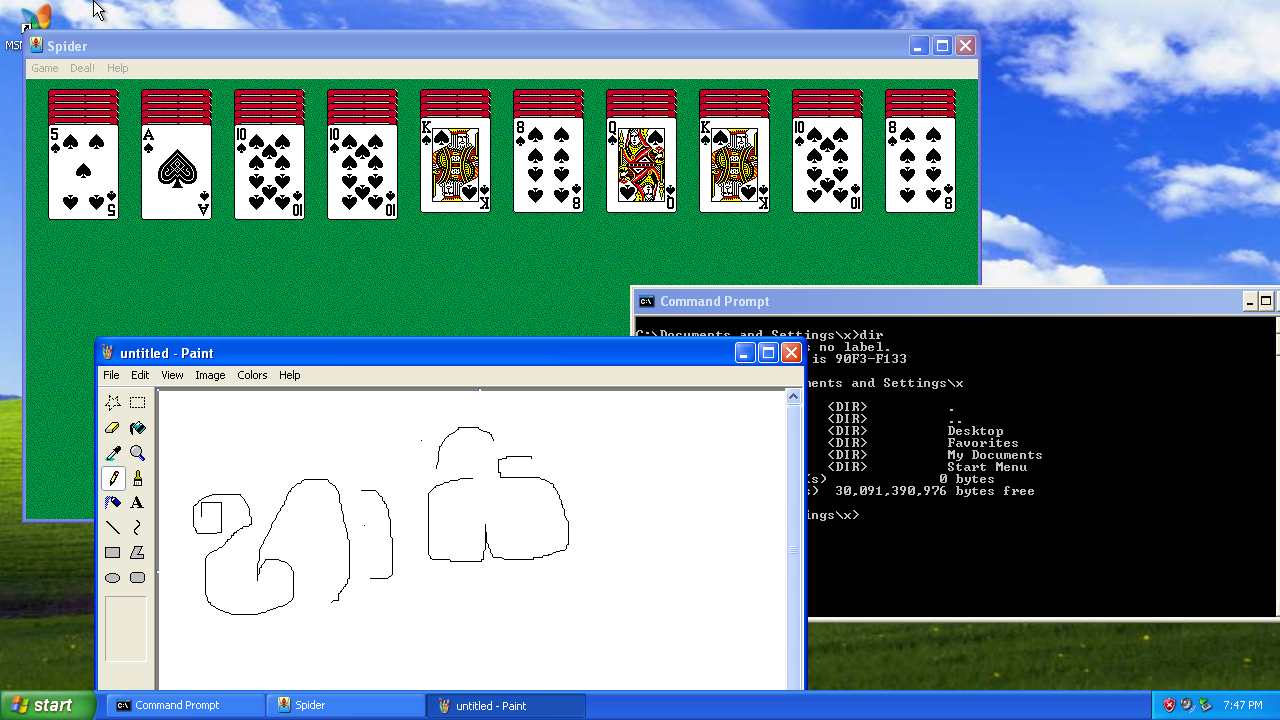
You will be greeted with classic Windows XP setup (which I only saw today) with pretty straight forward stuff. After finishing the installation. It's time to set it up you will need a product key to continue. Grab the correct one from here (thank you kind hearted soul). After running the setup for about 20mins voilà It's Windows XP. Adjust your resolution by right clicking on the desktop and going to properties. It's time to play some solitaire.
update: found this cool project which would let you run modern software on XP